Surface · Engage
Run the engine, not the wheel.
Workflows, broadcasts and follow-up automation. Every tap fires the next email, SMS or push — no lead goes cold because you got busy.
Workflows that run themselves
Drag a trigger (tap, signup, form fill, no-contact-in-30d) to an action (email, SMS, push, tag, Slack ping) and the engine takes it from there — every contact runs through the same flow without you lifting a finger.
Workflow builder
When this fires, do this
Trigger
Then
Wait 5 min
delay
Send welcome email
template · 92% open
Tag · warm-lead
on contact
Ping #sales
Slack · @james
Add a step
Triggers from every surface
Card tap, form fill, Network status change, Event check-in, Stream go-live — every surface emits triggers your workflows can hook into. Engage is the connective tissue between them.
Triggers
Every surface, every event
Card · tap
Pages · purchase
Network · status
Events · check-in
Stream · go-live
Engage
One workflow can hook into any of the five surfaces
Broadcast to your audience
Email, SMS or push to filtered segments — by tag, last source or recency — with delivery, open and click reporting per send. One composer, three channels, the same audience graph.
Broadcast
Send to your audience
Audience
Subject
New offer just dropped — VIPs first
Delivered
0/ 1,287
Your pipeline in one place
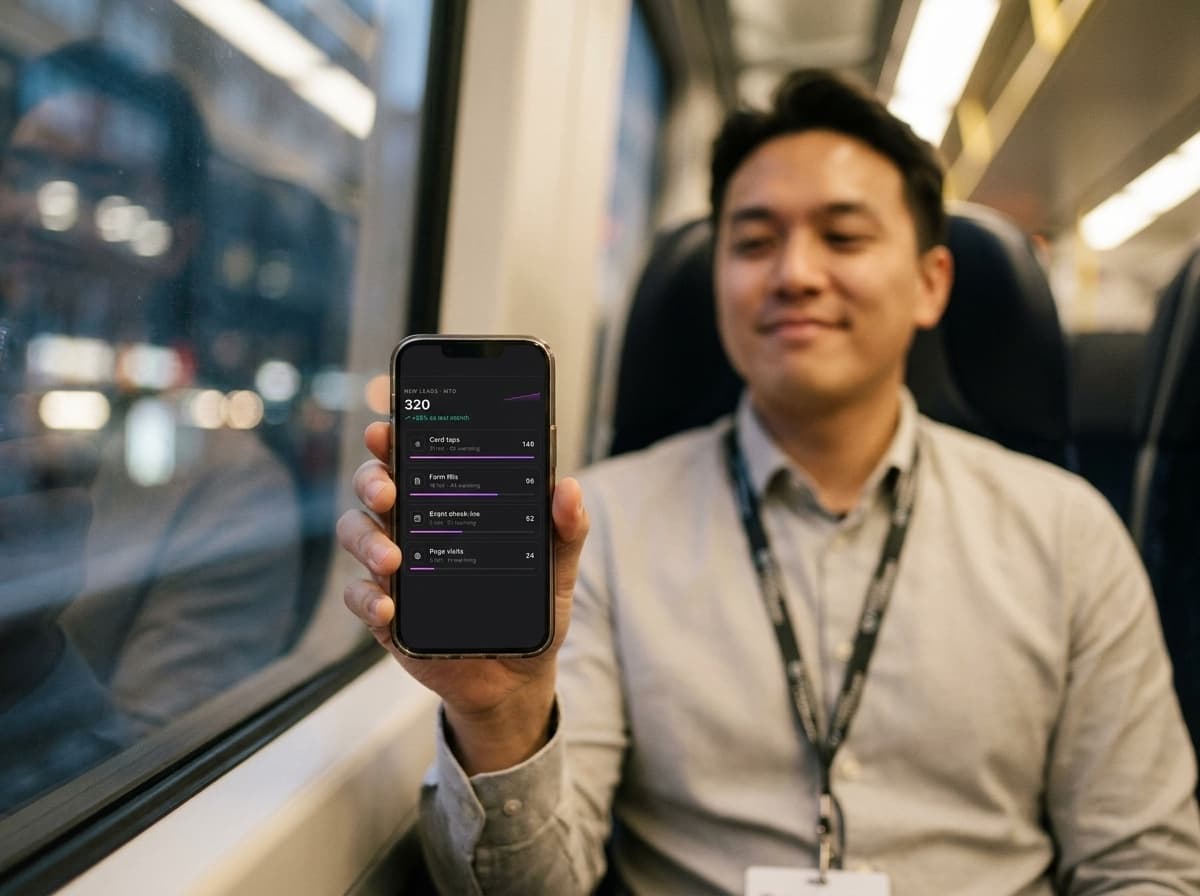
Every captured lead rolls up to one board — new, warming, hot — with per-source conversion so you know which surface is working. Stop hunting through spreadsheets to know how the month went.
New leads · MTD
320
+28% vs last month
Card taps
31 hot · 62 warming
148
Form fills
18 hot · 44 warming
96
Event check-ins
9 hot · 21 warming
52
Page visits
3 hot · 11 warming
24
AI assistant on every flow
Ask the assistant to draft a broadcast, write a follow-up, or wire a workflow — it writes the copy and the trigger logic in the same chat, ready to ship in one tap.
Engage assistant
Describe it, ship it
Generated workflow
Wait 5 min
Send "thanks for stopping by"
Tag · met-at-event
Everything else in Engage
Every engage capability, in one place.
Alerts that catch what stalled
Paused workflows, bounced sends and failing integrations all surface in one strip — fix the leak before your leads go cold.
CRM enrichment built in
Every captured contact runs through enrichment (Apollo, Hunter, DropContact) before it hits a workflow — so the right email lands at the right title.
A/B test sends in one click
Send two versions, route the winner automatically, see conversion lift in the same report — no spreadsheet shuffling.
Suppression & quiet hours
Honour quiet hours per recipient, suppress unsubscribes, throttle high-volume sends — deliverability stays clean without manual policing.
Sequences that warm on their own
Multi-step follow-up sequences with waits, conditions and unsubscribe handling — set once, and every new lead gets the same warm-up.
Integrations as workflow steps
Slack, Notion, Sheets, Zapier, HubSpot, Salesforce — drop any integration into a workflow as a step, not a separate setup.
Reports per surface
See which workflows came from Card taps vs Page visits vs Event check-ins — so you double down on what actually fires.
Webhooks both ways
Outbound webhooks fire on every workflow event; inbound webhooks let your own systems trigger Engage workflows.
A catalog of capture blocks
Drop a lead-magnet, waitlist, form or booking block on any card or page — every fill fires its workflow instantly.